SMS opt-in
Text message opt-in flow
This page documents how Bach Elementary PTO collects SMS consent. The actual opt-in controls are available only to approved, signed-in site users.
Reviewer summary
- A Bach family, staff member, or PTO volunteer signs in to bachpto.org with an approved account.
- There are two signed-in opt-in paths:
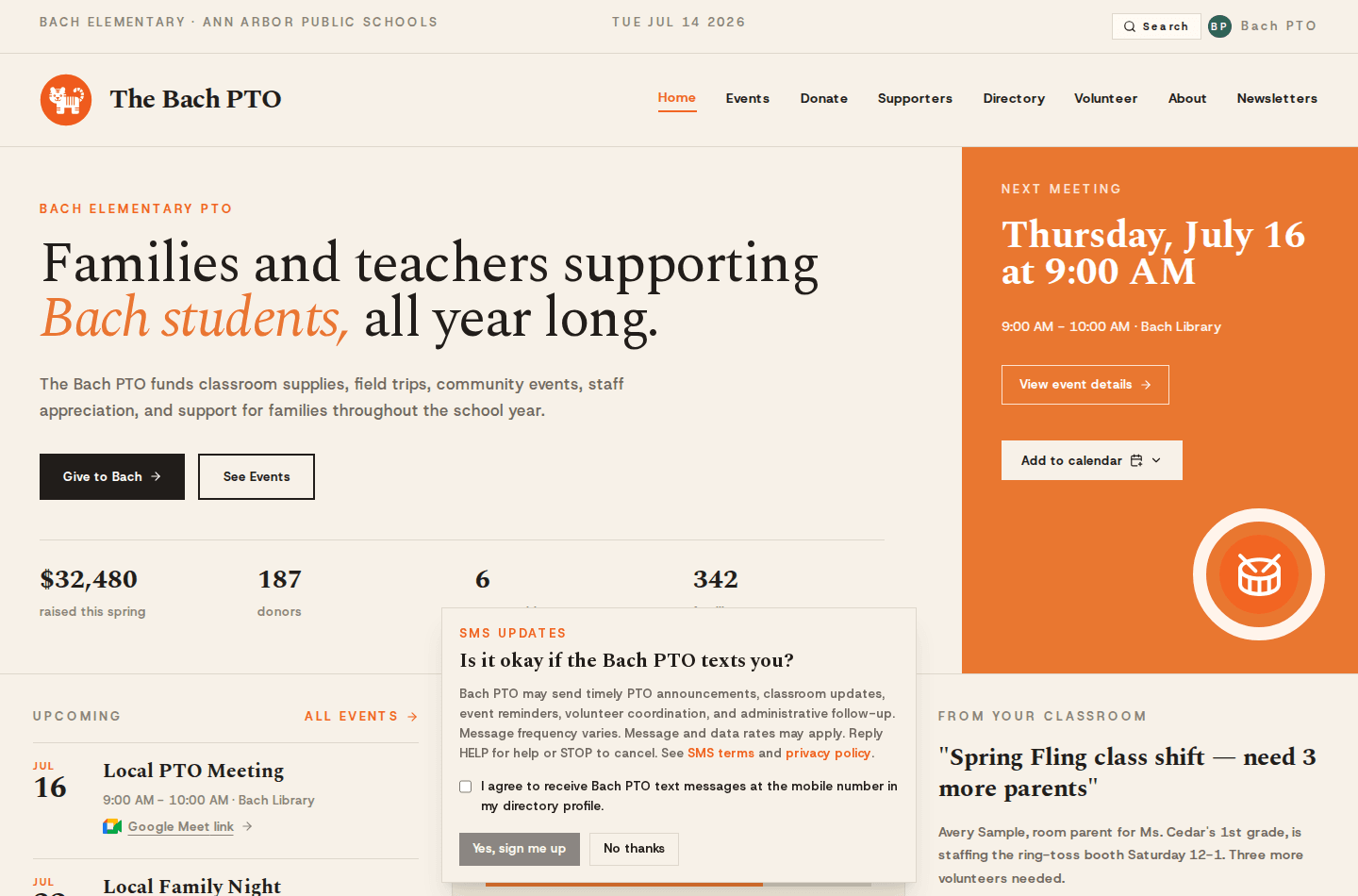
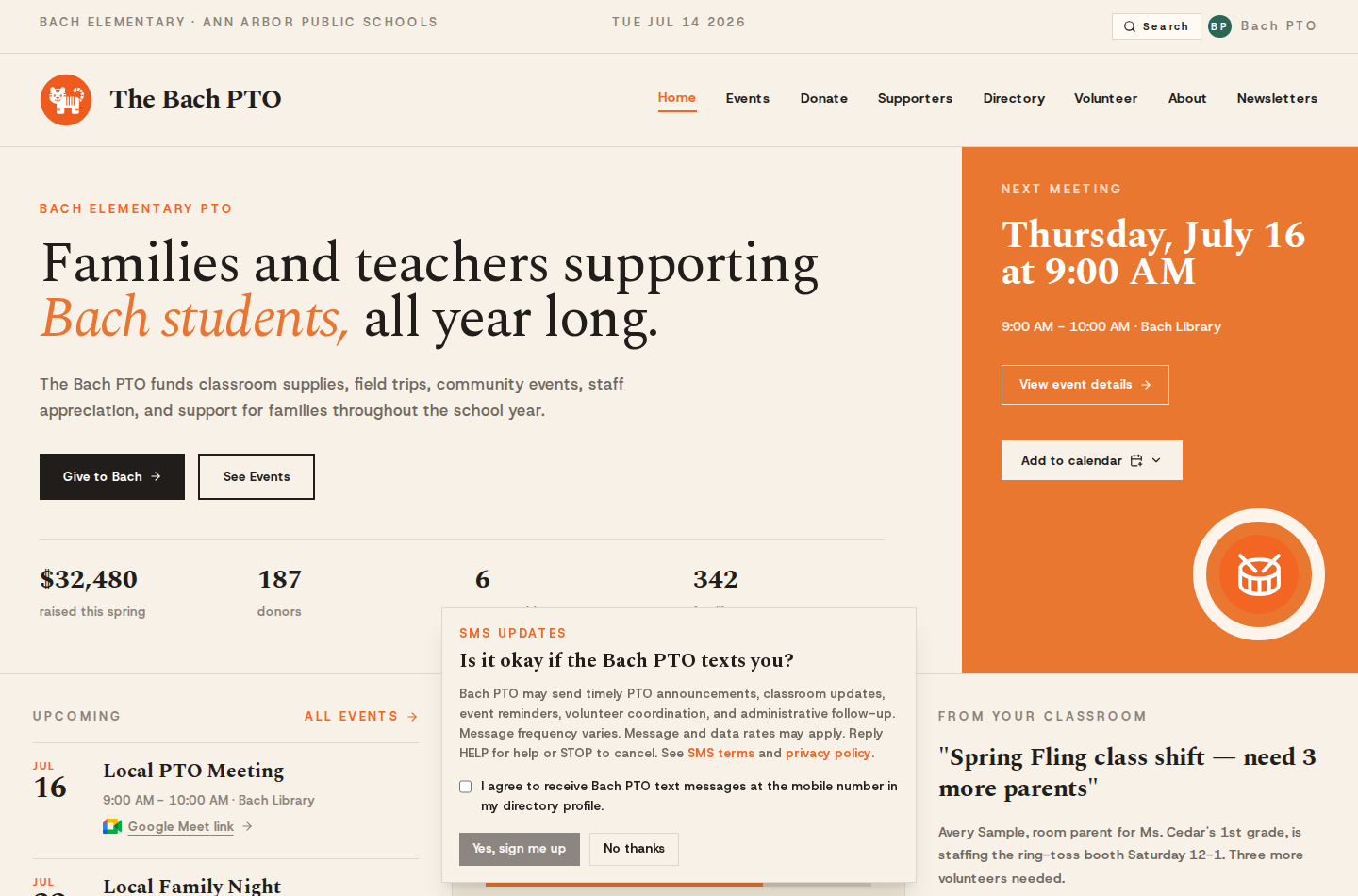
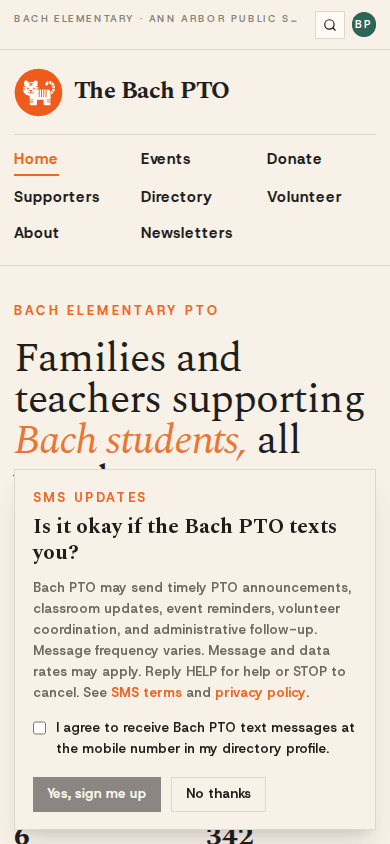
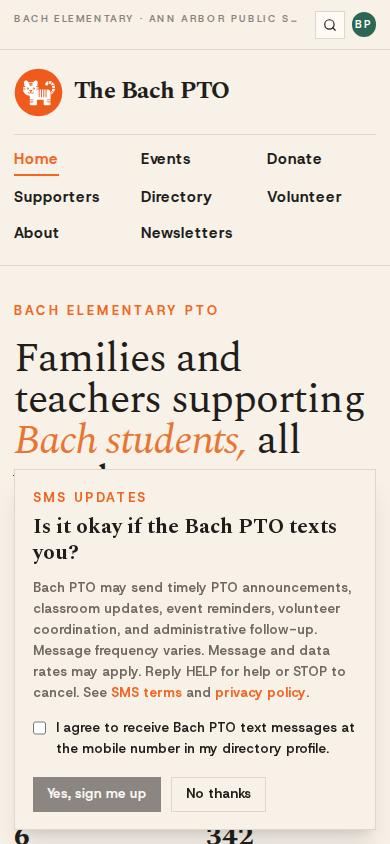
- Popup path: the user sees the SMS updates prompt, checks the unchecked consent box, and selects Yes, sign me up.
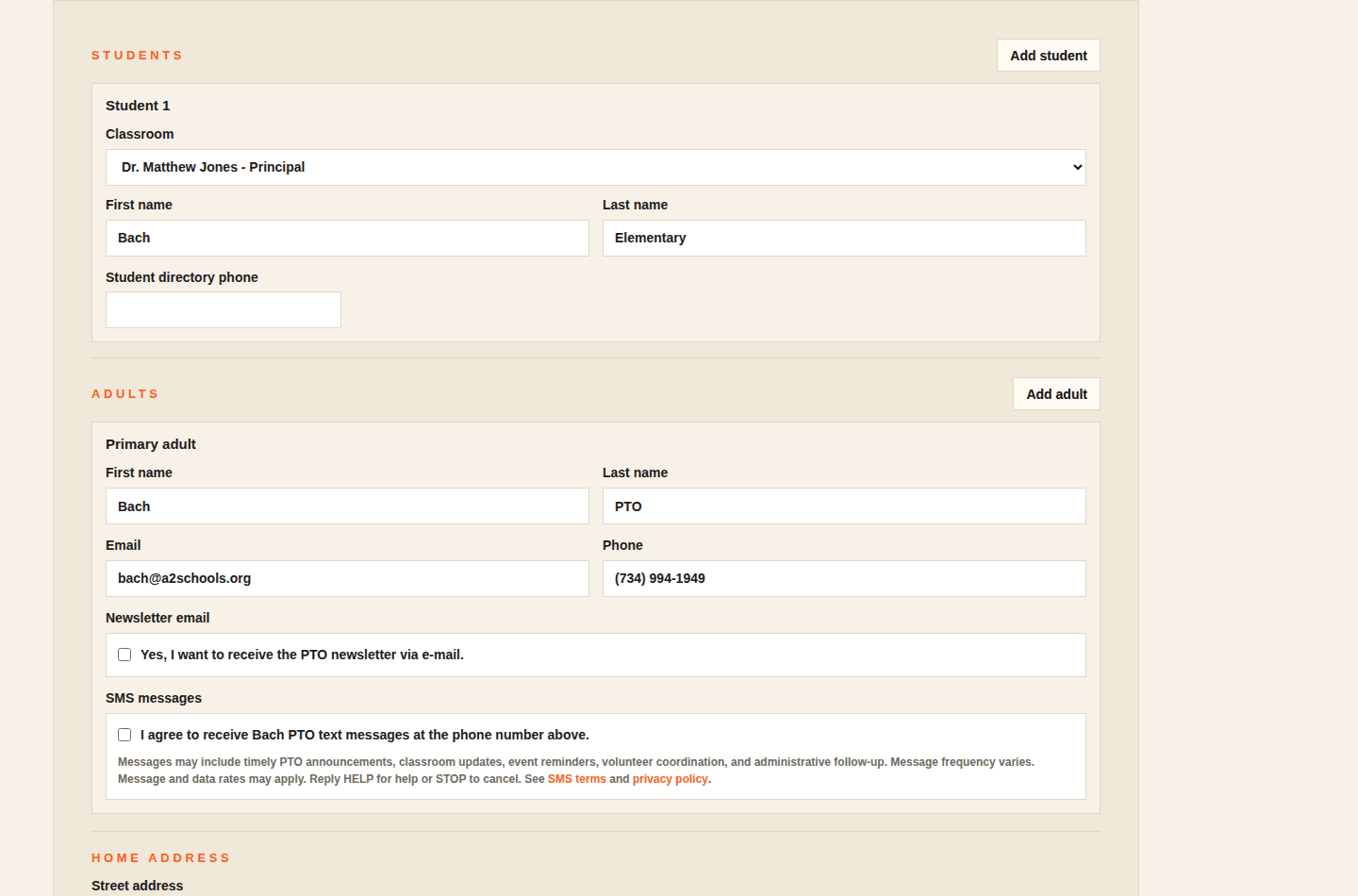
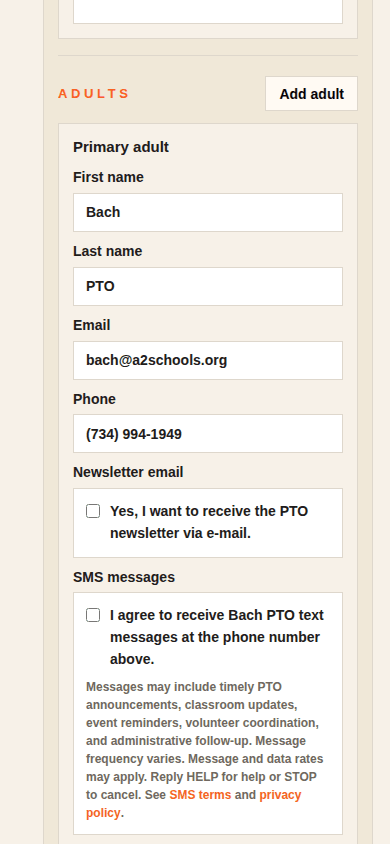
- Profile path: the user opens the directory profile, enters or confirms a phone number, checks the unchecked SMS messages box, and saves changes.
- Both paths show message type, frequency, message and data rate, HELP/STOP, Terms, and Privacy disclosures.
Message flow
End users opt in after signing in to bachpto.org as approved Bach Elementary PTO family, staff, or volunteer users. There are two signed-in opt-in paths. First, the site may show an SMS updates prompt after login; the user must actively check the SMS consent box and select Yes, sign me up. Second, the user may open their directory profile, enter or confirm their mobile phone number, actively check the SMS messages consent box, and save changes. Consent checkboxes are not pre-selected. Both paths explain that messages may include timely PTO announcements, classroom updates, event reminders, volunteer coordination, and administrative follow-up. Message frequency varies. Message and data rates may apply. Reply HELP for help and STOP to cancel. Terms: https://bachpto.org/sms-terms. Privacy Policy: https://bachpto.org/privacy. This page documents both signed-in opt-in paths because the actual controls are only available after login and account approval: https://bachpto.org/sms-opt-in
Popup opt-in path
Directory profile opt-in path